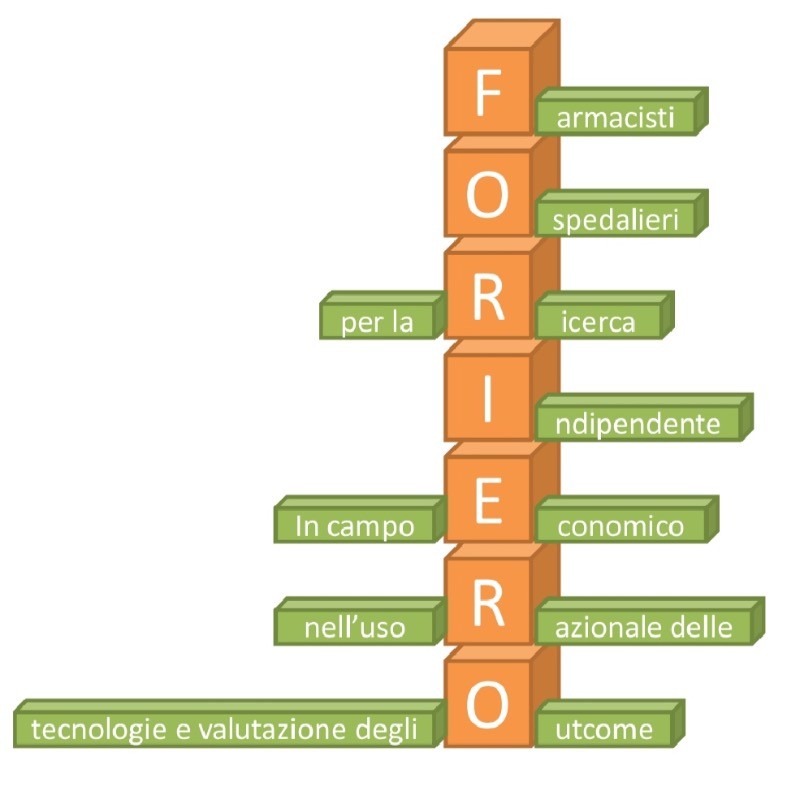
"drug use, data analysis"
“people with deep data analysis skills solve problems faster than others”
Computer tools developed with LLM and Python, also designed to support drug utilization work.
(in italian language click here)
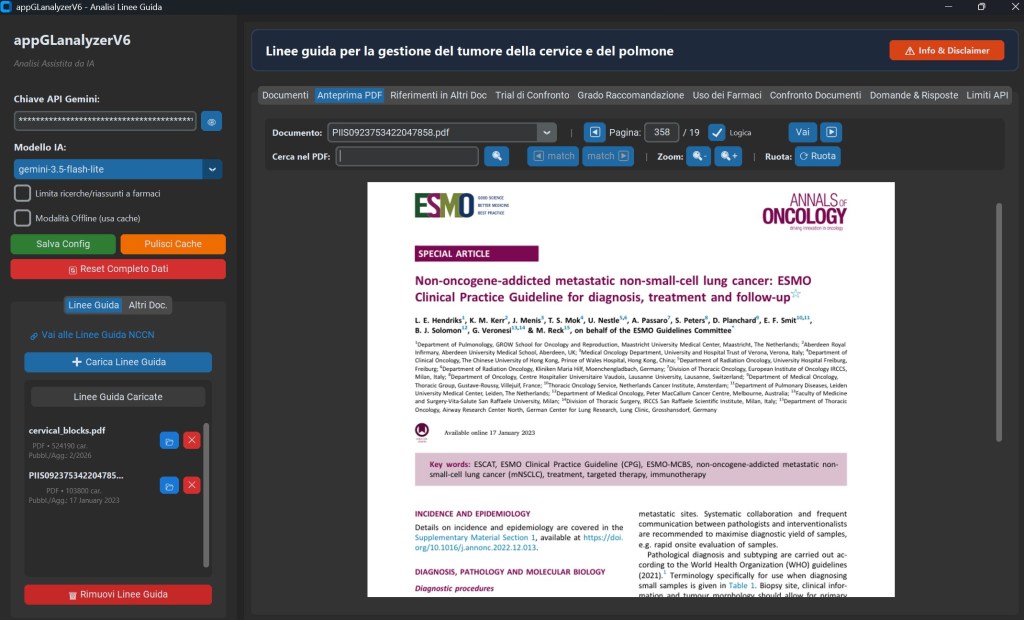
GLanalyzer V6 beta
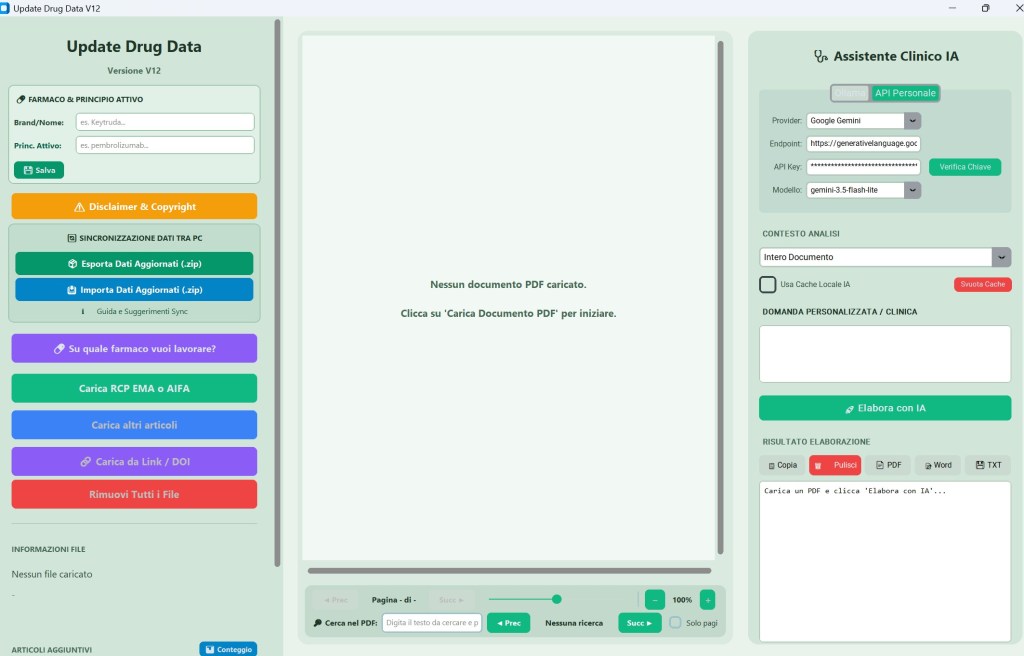
Update Drug Data V13 beta
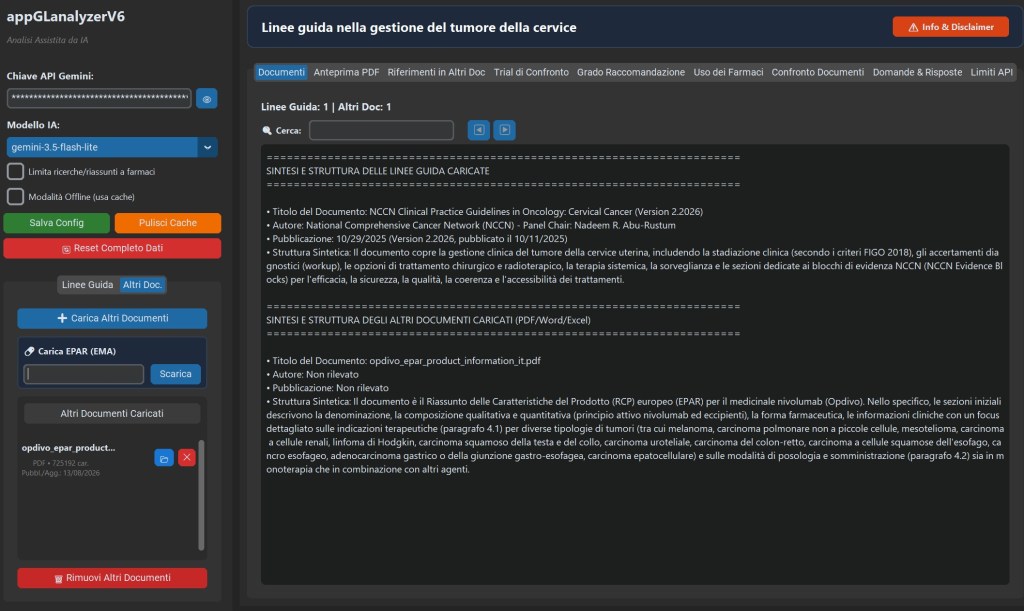
GLanalyzer V6 beta
The heart of the application is the module ai_engine.py, which leverages the Google Gemini API to analyze the text extracted from documents. The user must enter their Gemini API key and can choose the model to use (e.g., gemini-3.5-flash-lite, gemini-2.5-pro, etc.). The engine divides documents into sections (to manage token limits) and executes very specific prompts to extract targeted information, requesting the AI to always cite the file name and the exact page.
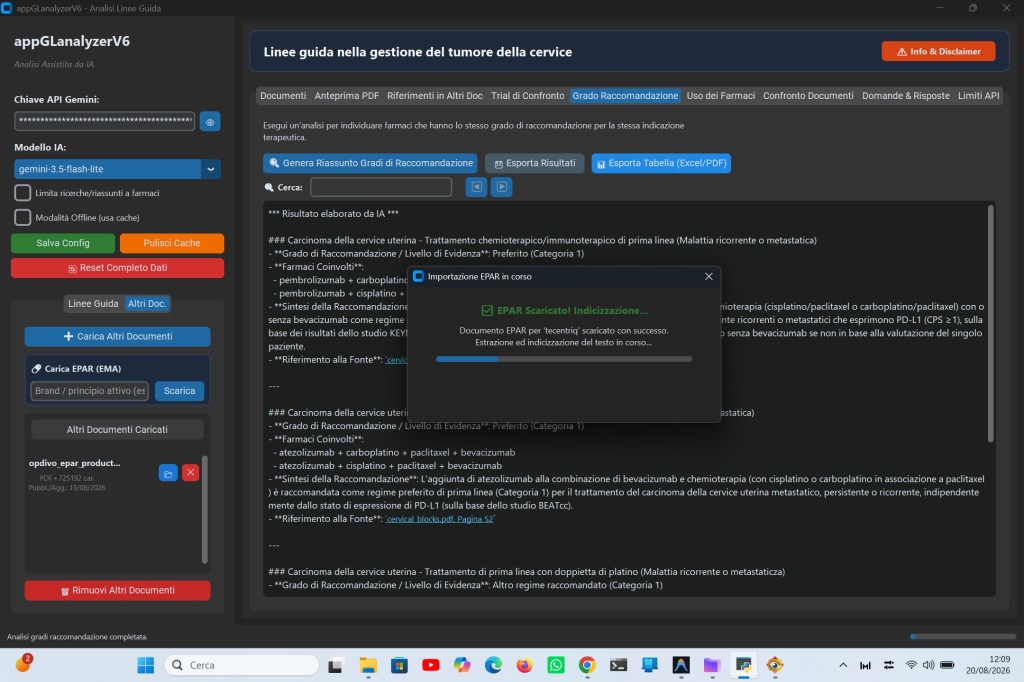
Automatic import of the most recent EMA EPAR is supported.
Analysis Functions are organized into tabs.
The main interface is divided into several tabs, each dedicated to a specific type of analysis:
PDF Preview: An integrated viewer (based on PyMuPDF/fitz) that allows you to read uploaded PDF documents, zoom, rotate pages, and, most importantly, search for keywords within the document, displaying the results highlighted directly on the page.
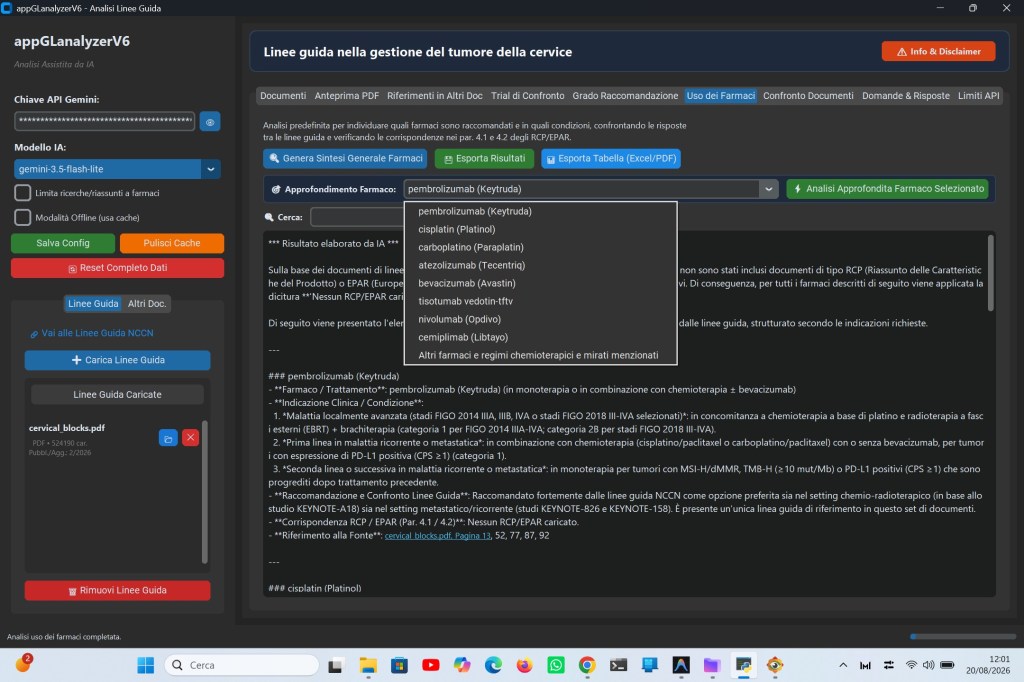
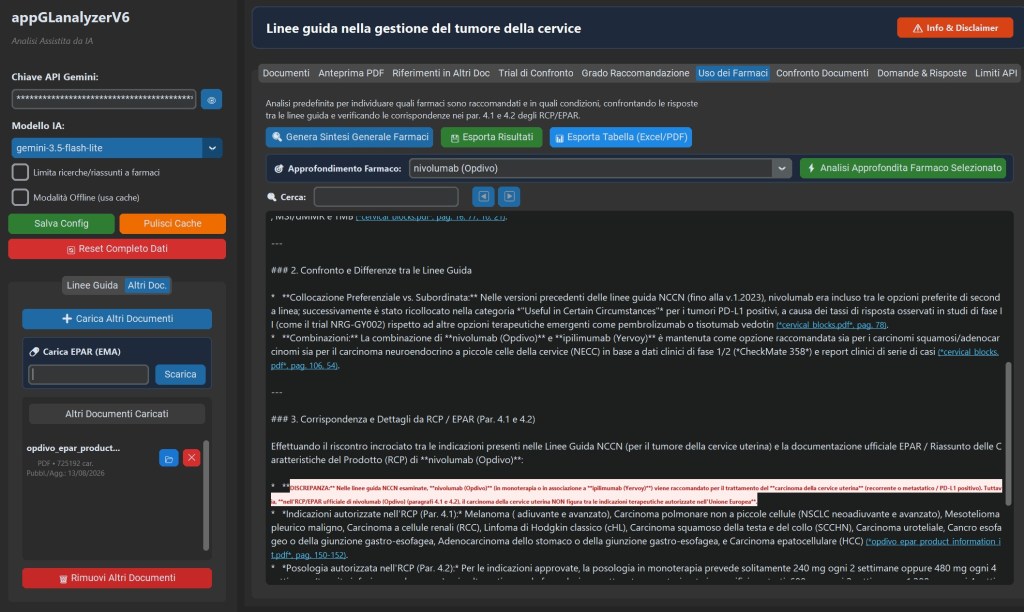
Drug Use: Extracts which drugs are recommended for which clinical conditions (e.g., first-line, maintenance), comparing the guidelines with the official indications (SmPC/EPAR), if uploaded.
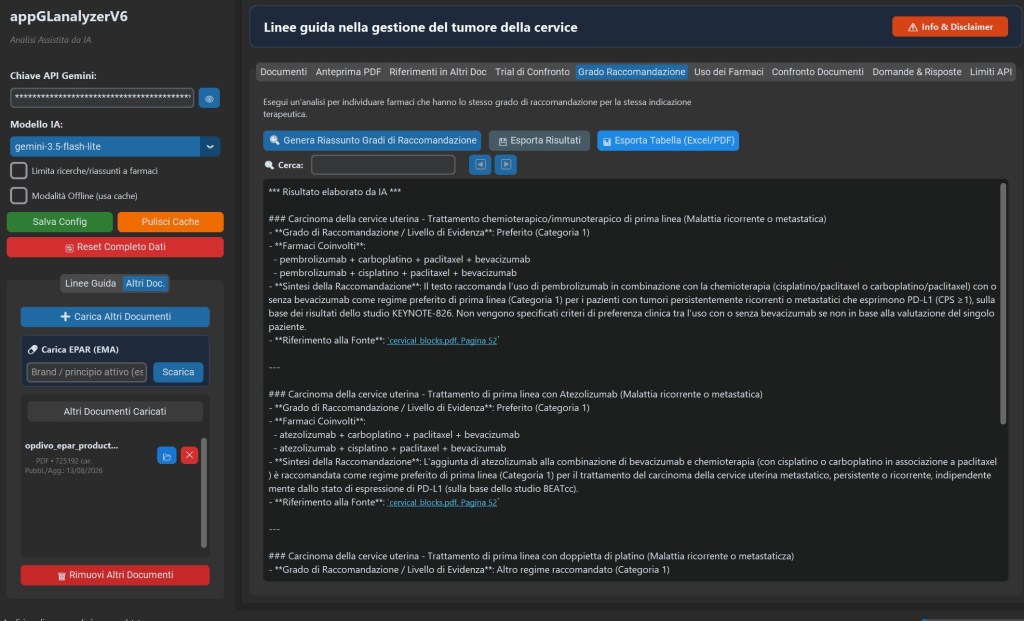
Grade of Recommendation: Finds cases where different drugs have the same level of evidence or class of recommendation for the same therapeutic indication.
Comparison Trials: Looks specifically for mentions of the lack of head-to-head clinical trials comparing drugs for the same condition.
Document Comparison: Cross-references multiple uploaded guidelines to find points of convergence or differences in recommendations.
References in Other Documents: Analyzes whether concepts found in guidelines are supported or mentioned in “Other Documents” (e.g., SPCs).
Questions & Answers (Q&A): Allows the user to ask open-ended questions about documents; the AI is trained to respond solely based on the uploaded text, citing the exact page from which it got the information.
To save on API calls (which may be subject to fees or have installment limits), the app caches analysis results. If a previously performed analysis is requested using the same documents, the result is instantly loaded from disk without contacting Gemini.
API Limit Monitoring: There’s a dedicated tab to monitor the number of API calls made, automatically handling any 429 (Resource Exhausted) errors by pausing the system.
In short, it’s a specialized virtual assistant for pharmacists, oncologists, or healthcare professionals navigating hundreds of pages of guidelines and technical data sheets, automating the search for recommendations, levels of evidence, and specific dosages.
Software screenshots:
Update Drug Data V13 beta
The app provides support for accessing essential and up-to-date information about the drug.
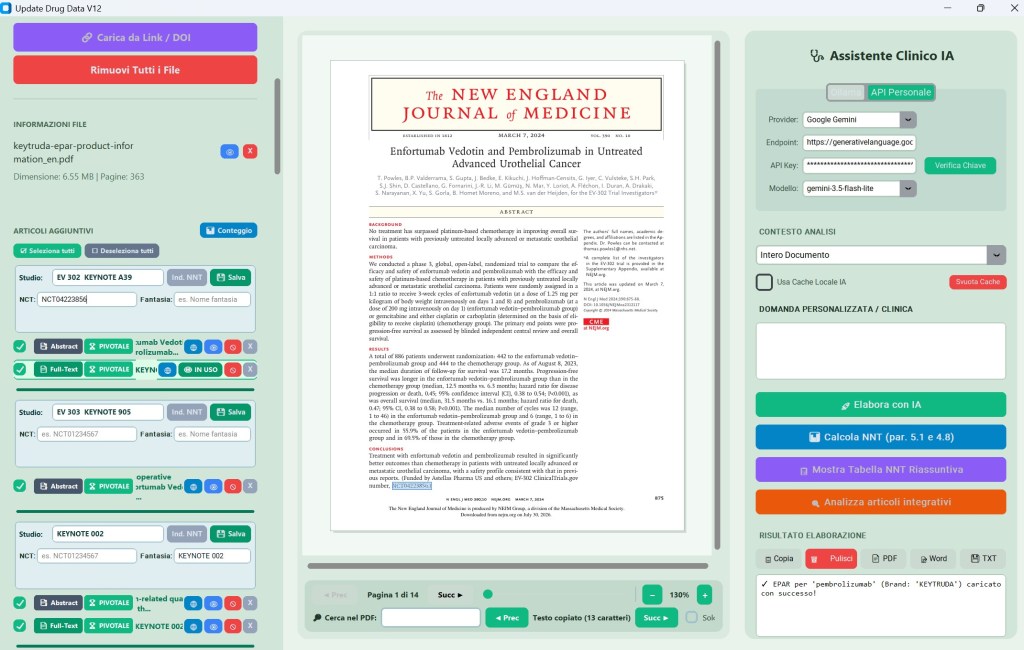
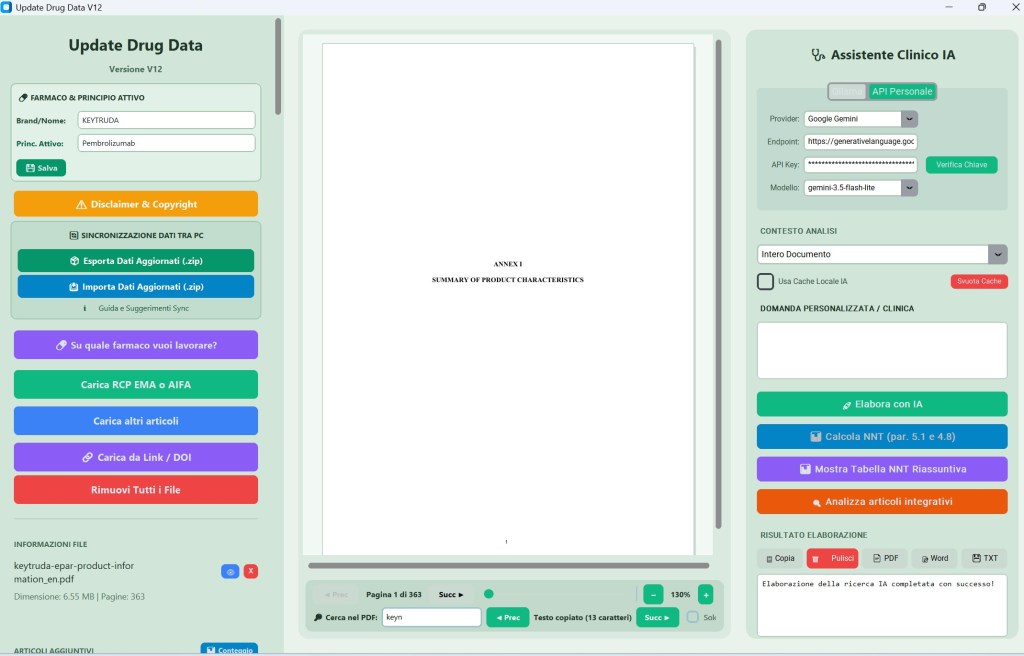
It is a desktop application with a graphical interface (built using customtkinter and tkinter) designed primarily for viewing, managing, and intelligently analyzing clinical and pharmacological documents in PDF format. It summarizes essential information by comparing EPARs with published studies and their updates. If the EPAR does not provide the data, it is searched for in published articles and displayed.
Supports:
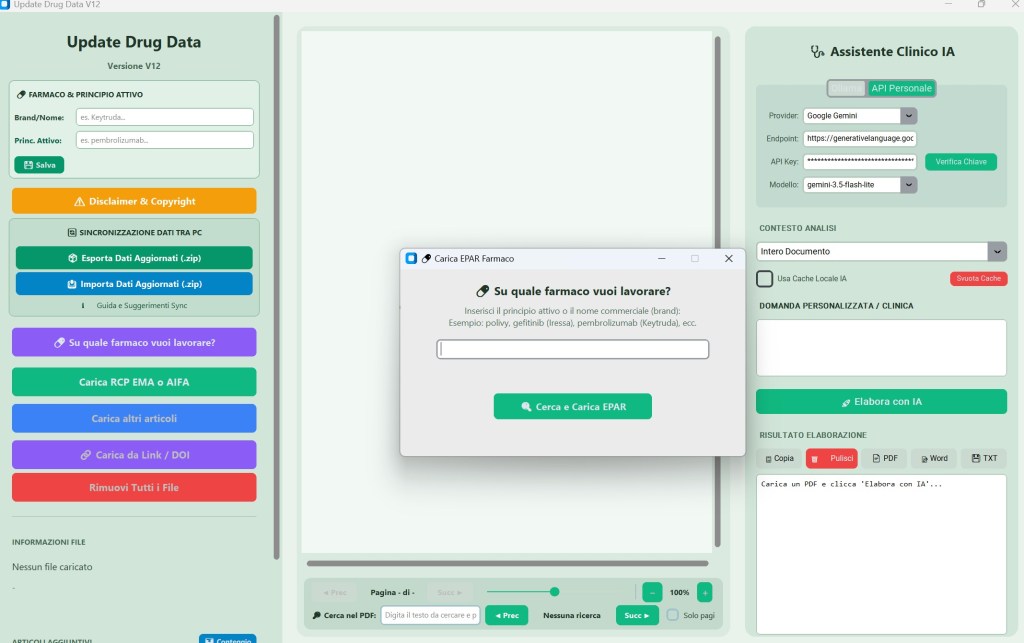
- Automatic Search and Download of EPARs (EMA). The application allows the user to enter the name of a medicine (either as an active ingredient or as a trade name/brand, e.g., gefitinib or Iressa).
- Once entered, the system:
- Resolves matches between the brand name and the active ingredient using an internal dictionary and custom files (such as farmaci_brand_custom.json).
- Automatically connects to the EMA (European Medicines Agency) website to search, download, and upload the EPAR (European Public Assessment Report) for the requested drug.
- Checks for versions already downloaded locally and notifies you if newer versions are available online.
- Integrated PDF Viewer
- Using the PyMuPDF library (fitz), the software acts as a full-fledged PDF reader that allows you to:
- Navigate through document pages.
- Zoom and rotate pages.
- Perform text searches within the uploaded PDF.
- Using the PyMuPDF library (fitz), the software acts as a full-fledged PDF reader that allows you to:
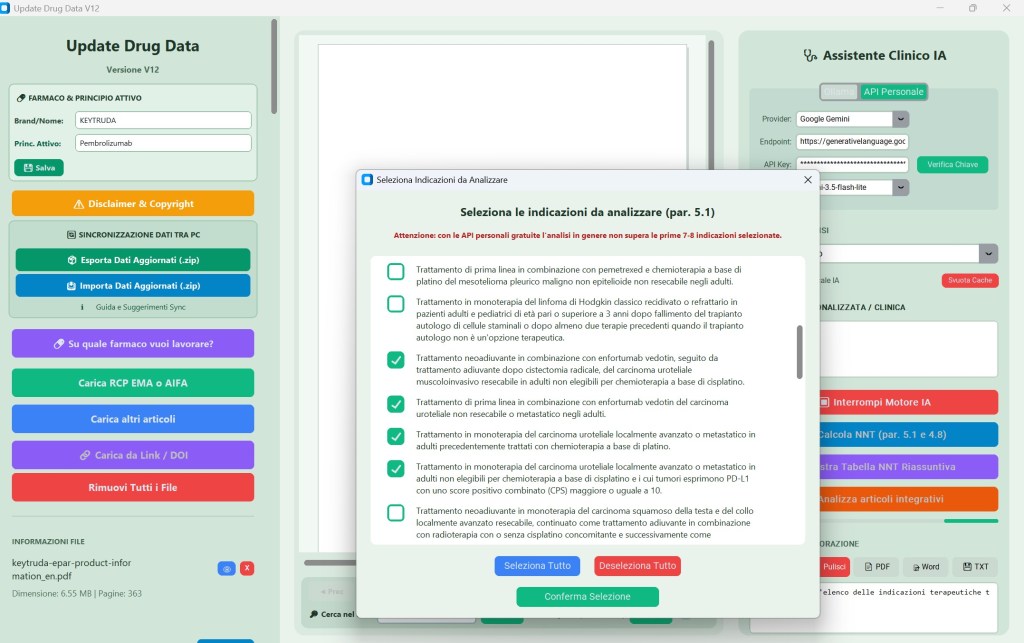
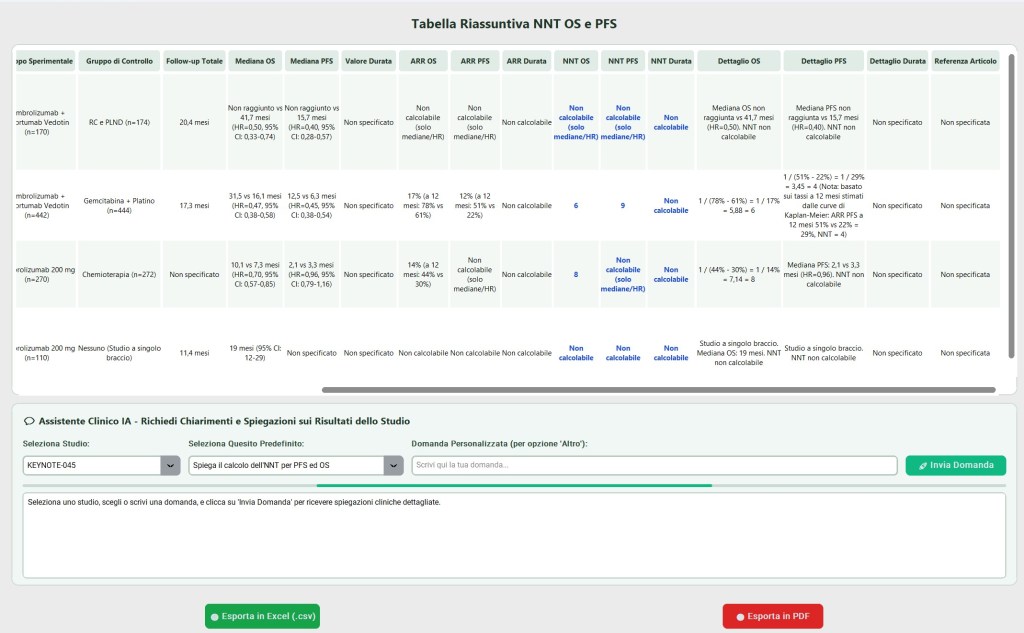
- The app creates a summary of the information related to section 5.1 of the EPAR, breaking down into tabular form, by indication and registration study, details about:
- the trial groups
- the OS, PFS, and TTD outcomes
- the calculation of the respective NNTs
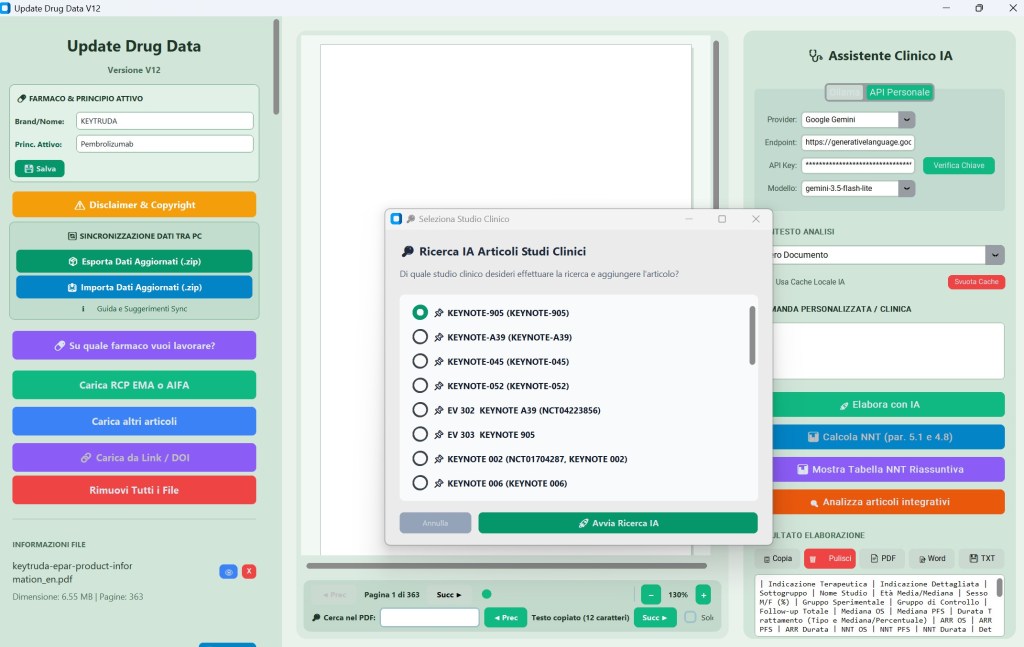
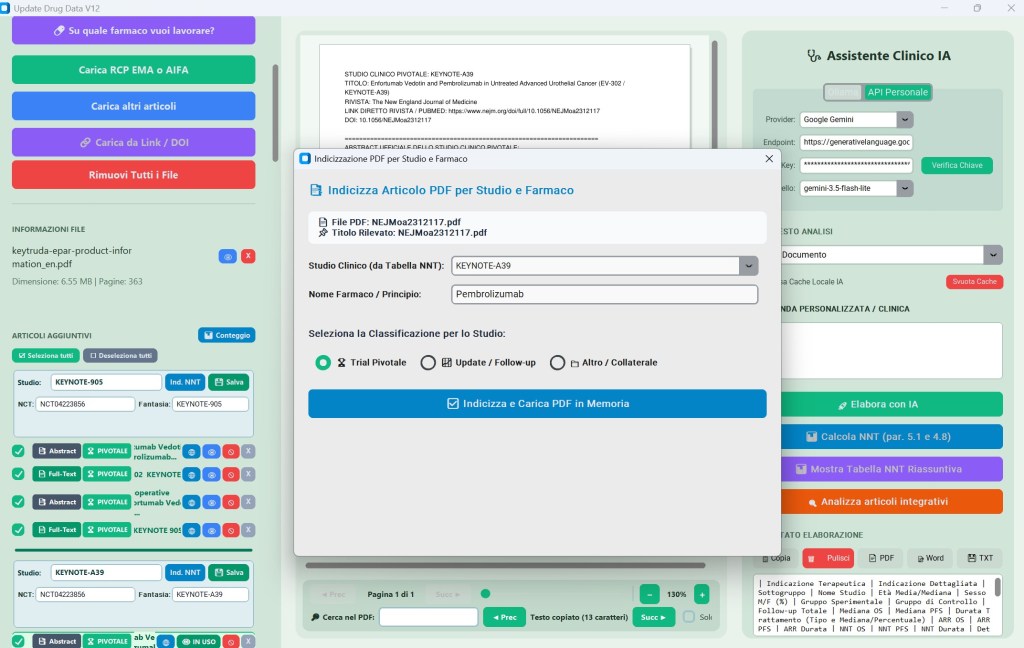
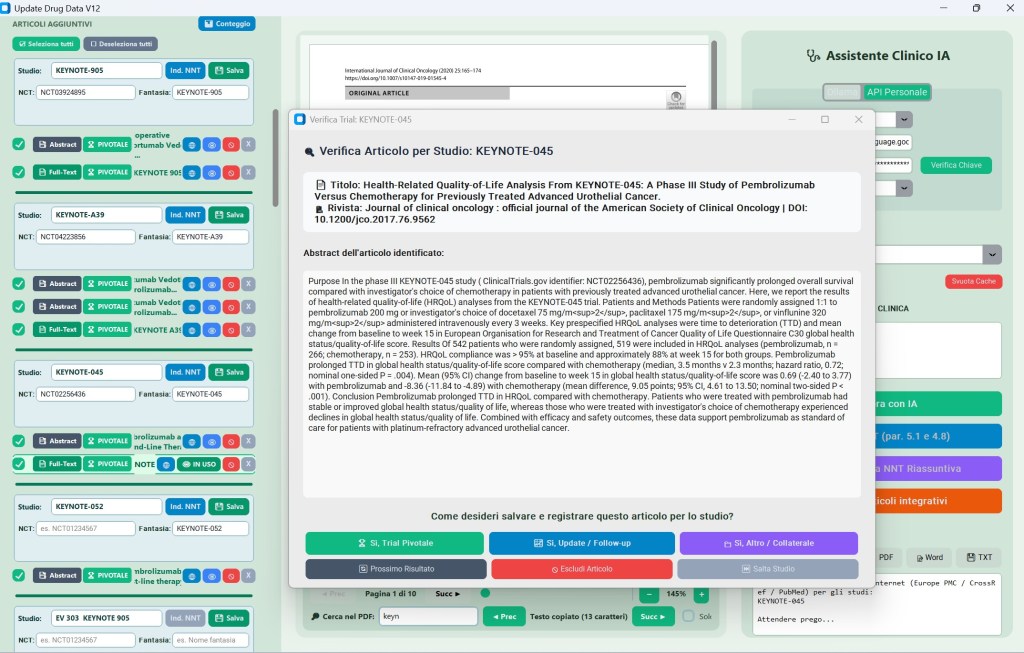
- It searches the internet and uploads published articles based on registration studies and secondary articles, creating a dedicated indexed database. The summary of the information related to section 4 is updated based on these additional articles.
The program includes strong Artificial Intelligence integrations, including processes where AI analyzes documents.
The results of AI processing (e.g., NNT data extraction, RCP analysis) are cached (.ai_cache) and displayed in specific text areas of the interface (such as ai_output_textbox).
Workflow:
Startup: The app opens the user interface (light theme with green/blue backgrounds) and begins loading the stored databases in the background.
Drug Selection: The user indicates which drug they wish to work on.
Document Retrieval: The app ensures the latest EPAR is available and loads any previously saved related studies/articles.
Analysis and Visualization: The user can read PDFs directly from the app, perform searches, or launch AI processes to analyze texts (to extract critical data such as efficacy, safety, or specific clinical trial parameters) and generate reports from the displayed documents.
In short, it is a specialized virtual assistant for pharmacists, oncologists, or healthcare professionals to build a database of published scientific articles based on the indications authorized by institutional websites. It provides immediate access to key data related to clinical trials, which is also useful for comparisons with real-world results.
Software screenshots:
For further information, to join FORIERO and participate in the software development, please use the page contatti.
Area riservata con altro materiale.